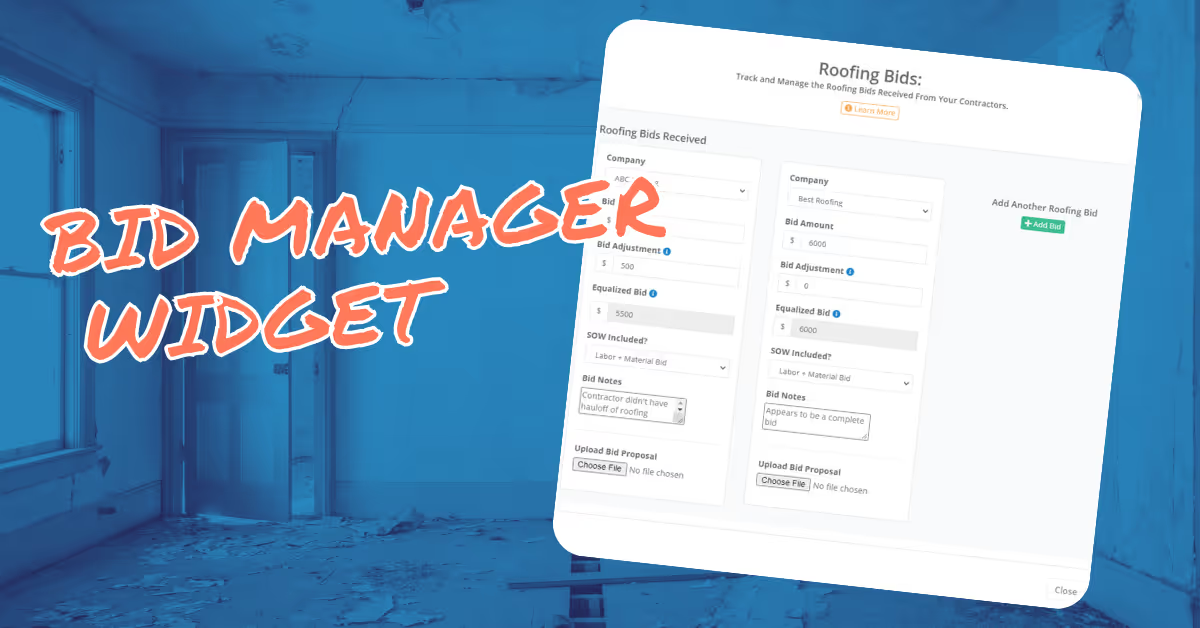
The Bid Tracker Widget helps you manage contractor bids on your renovation projects — so you can compare quotes, track who submitted what, and make confident decisions about which contractor to hire for each scope of work.
The Bid Tracker organizes contractor proposals by trade category, allowing you to enter multiple competing bids for the same scope of work and compare them side by side. It keeps your negotiation history in one place throughout the project lifecycle.
Access the Bid Tracker from within any project. Add a new bid by selecting the trade category and entering the contractor name and bid amount. Add competing bids from additional contractors to the same line item. Mark your selected bid when you're ready to move forward.
Getting multiple bids is one of the most reliable ways to control construction costs. The Bid Tracker ensures you never lose track of a quote or forget which contractor offered the best deal — keeping your renovation budget as tight as possible from day one.