Learn How to Flip Houses Using FlipperForce's Powerful Software Tools and Features!
Chat with DaveBot: Your Instant FlipperForce Expert
Get immediate, feature-specific answers without digging through articles. DaveBot is here 24/7 to provide detailed explanations, troubleshooting tips, and guidance on all FlipperForce tools.
Chat with DaveBot (Be Nice, I'm in Beta)!
Tutorials & FAQs
Getting Started
Learn the Basics of the FlipperForce Platform so you can get up and running as quickly as possible.
FlipperForce's Public API now includes Tasks. Create, update, and delete tasks and subtasks from Claude, Grok, or any outside system without logging into the web app.
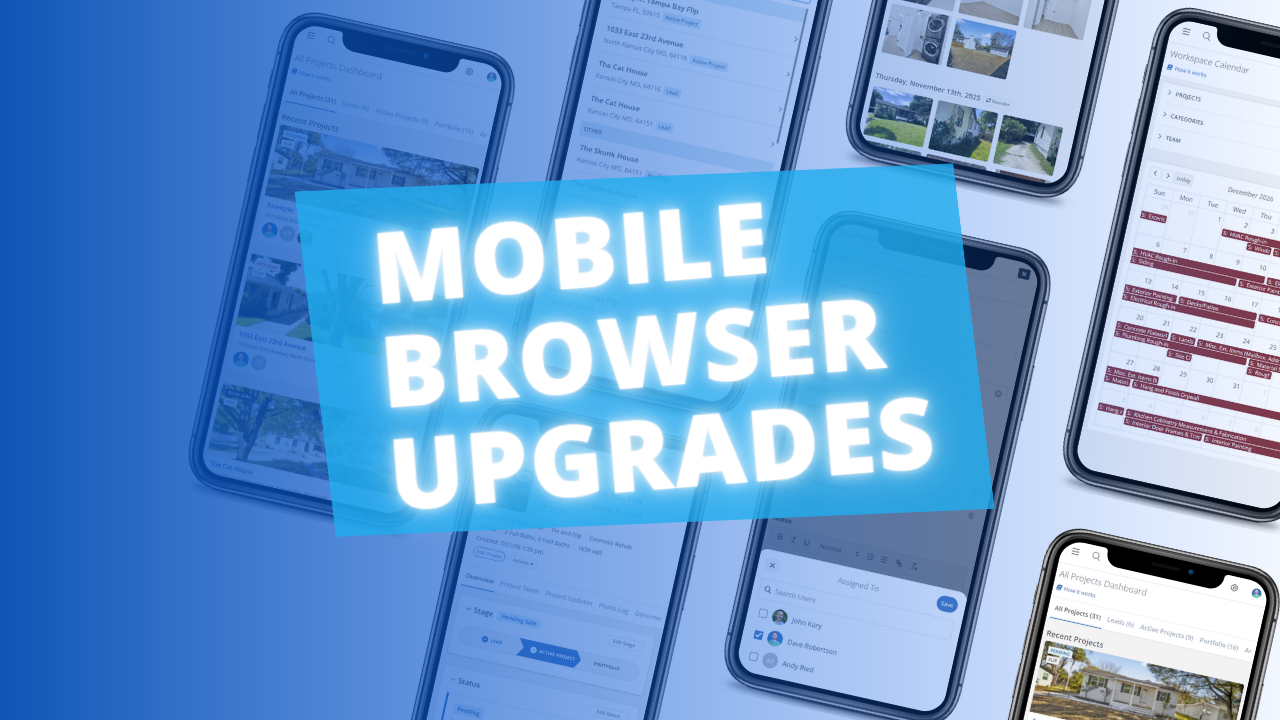
The FlipperForce web app is now much easier to use in your phone's browser. Date pickers, menus, the Scheduler, the Task Manager and the Photo Log have all been reworked to fit a small screen and work well with your phone's keyboard.
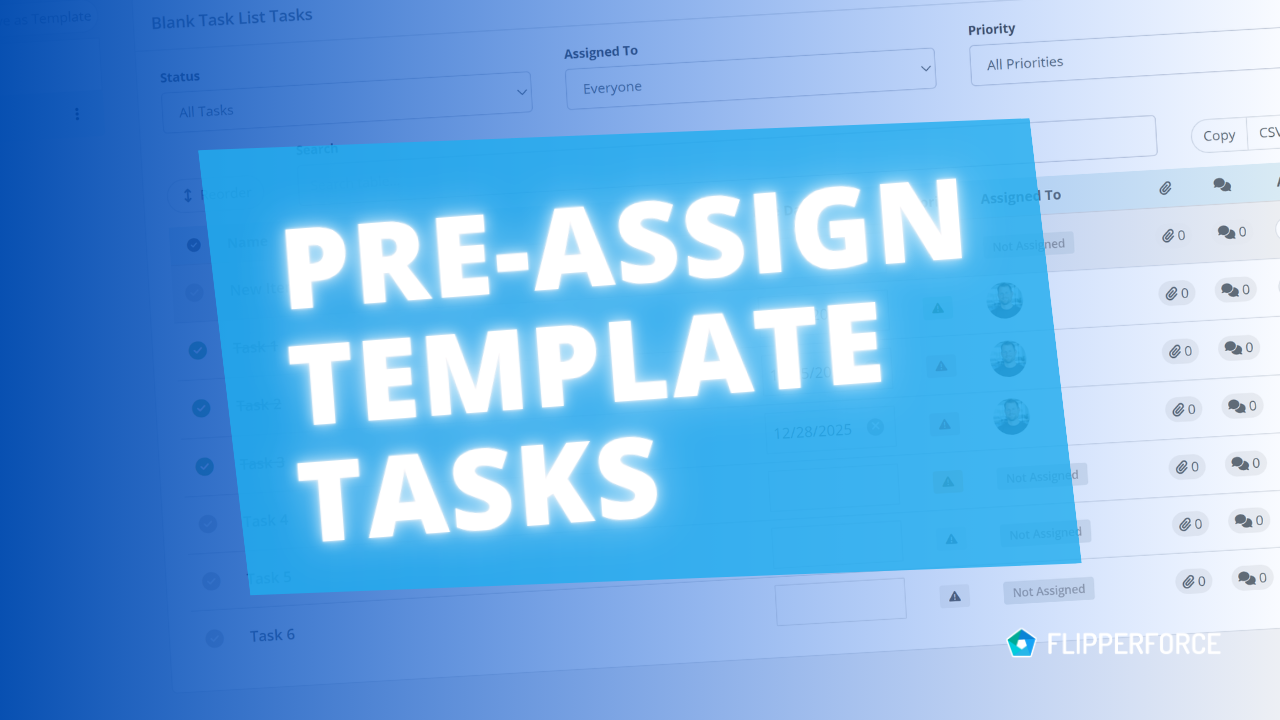
You can now pre-assign team members to the tasks in your Task Templates. Every time you load that template into a project, each task is already assigned to the right person.
The FlipperForce Field mobile app now uploads photos and receipts faster and more reliably on iOS and Android. A new My Recent Uploads inbox lets you track progress, retry failed items, and run multiple upload batches at once.


.avif)

.webp)


