Photo Log (FF Field)

Learn how to post Project Photos using the FlipperForce Field mobile app.

FlipperForce Field is now available!

Did you know FlipperForce has a mobile app for easily bulk uploading progress photos from your phone?

How it Works

The Photo Log in FlipperForce Field lets you capture and upload property photos directly from your phone while you're on the job site — instantly syncing them to your project's Photo Log in the web app without any manual transfer.

What it does

Using the FlipperForce Field mobile app, you can take photos with your phone's camera and upload them directly to the correct project's Photo Log in real time. Photos are immediately visible to your entire team in the web app the moment they're uploaded.

How to use it

Open the FlipperForce Field app on your phone and navigate to your project. Tap the Photo Log section and select the camera icon to take a new photo, or choose from your camera roll to upload an existing image. Add a caption or category tag if needed, then tap Upload. Your photo will appear instantly in the project's Photo Log on the web app.

Why it matters

The job site is where your renovation happens — and that's where your photo documentation should start. The mobile Photo Log eliminates the extra step of emailing photos to yourself or manually transferring files, ensuring your project's visual record stays current and complete without adding work to your day.

Highlights
Product Updates

Latest Updates

September 22, 2026
Faster, More Reliable Photo and Receipt Uploads in the Mobile App
Improved

Faster, More Reliable Photo and Receipt Uploads in the Mobile App

The FlipperForce Field mobile app now uploads photos and receipts faster and more reliably on iOS and Android. A new My Recent Uploads inbox lets you track progress, retry failed items, and run multiple upload batches at once.
Read post
September 22, 2026
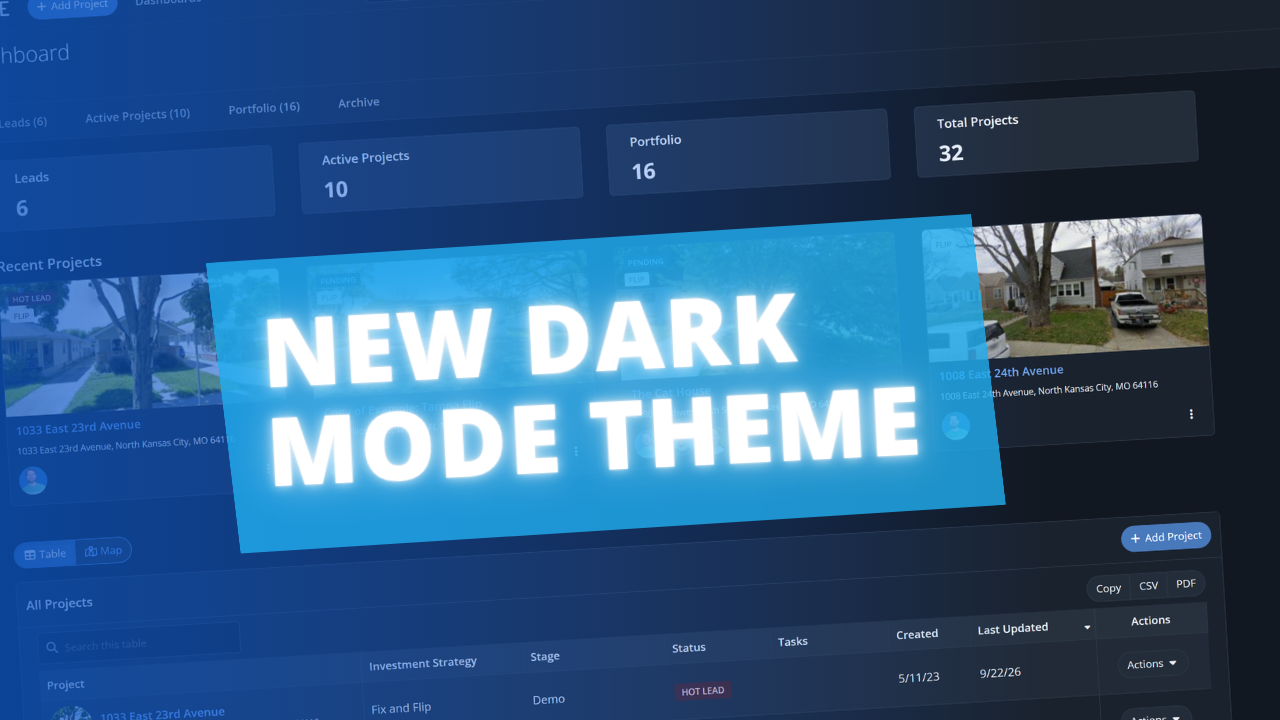
Dark Mode Is Here on Web and Mobile
New Feature

Dark Mode Is Here on Web and Mobile

FlipperForce now has a full dark theme across the web app and the FlipperForce Field mobile app. Choose Light, Dark, or System to match how and where you work.
Read post
December 31, 2025
2025 Year in Review: Productivity and Platform Updates

2025 Year in Review: Productivity and Platform Updates

In 2025, FlipperForce expanded its platform with the launch of a new mobile app for on-site project updates, AI-powered receipt scanning for streamlined accounting, and a public API to enhance data connectivity and team collaboration.
Read post
August 25, 2025
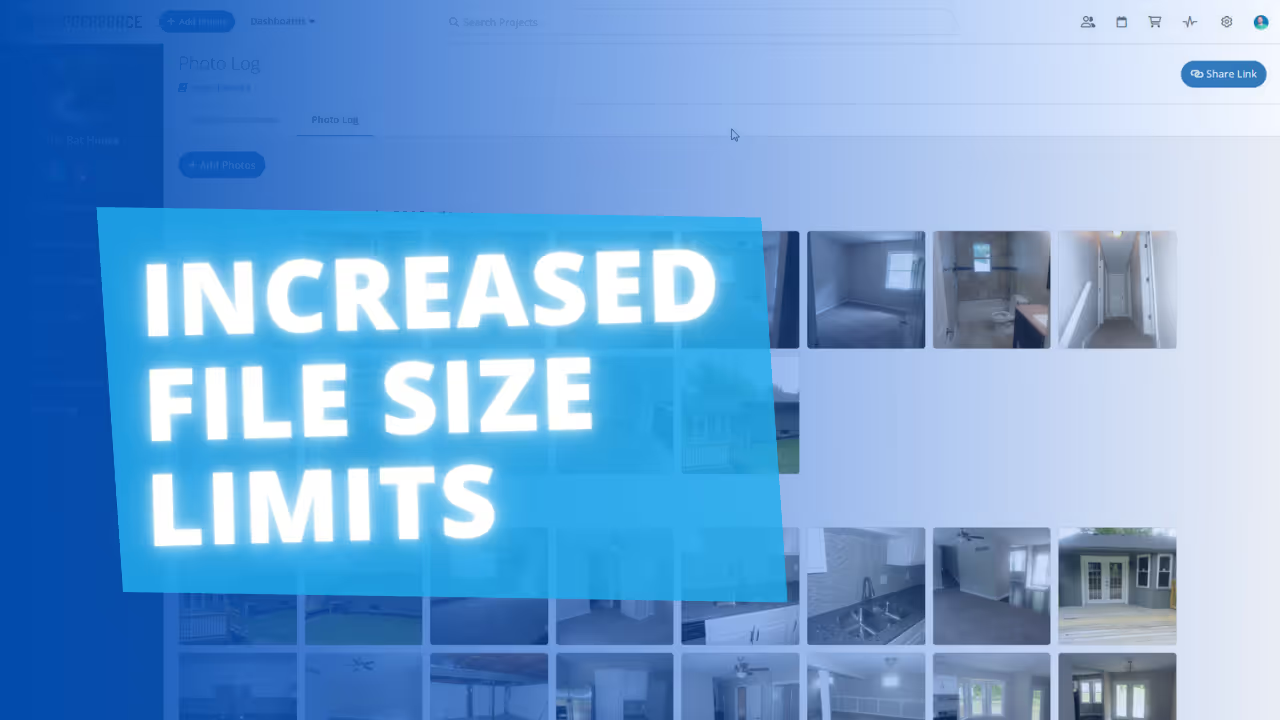
Increased File & Photo Upload Limits
Improved

Increased File & Photo Upload Limits

Increased file size limits to 30MB each, and removed 1 GB storage limit per project.
Read post
August 5, 2025
Mobile App: New Photo Carousel and Descriptions!
New Feature

Mobile App: New Photo Carousel and Descriptions!

New photo carousel for easy swiping, plus the ability to add and dictate photo descriptions
Read post

Chat with DaveBot:
Your Instant FlipperForce Expert

Get immediate, feature-specific answers without digging through articles. DaveBot is here 24/7 to provide detailed explanations, troubleshooting tips, and guidance on all FlipperForce tools.
Chat with DaveBot (Be Nice, I'm in Beta)!