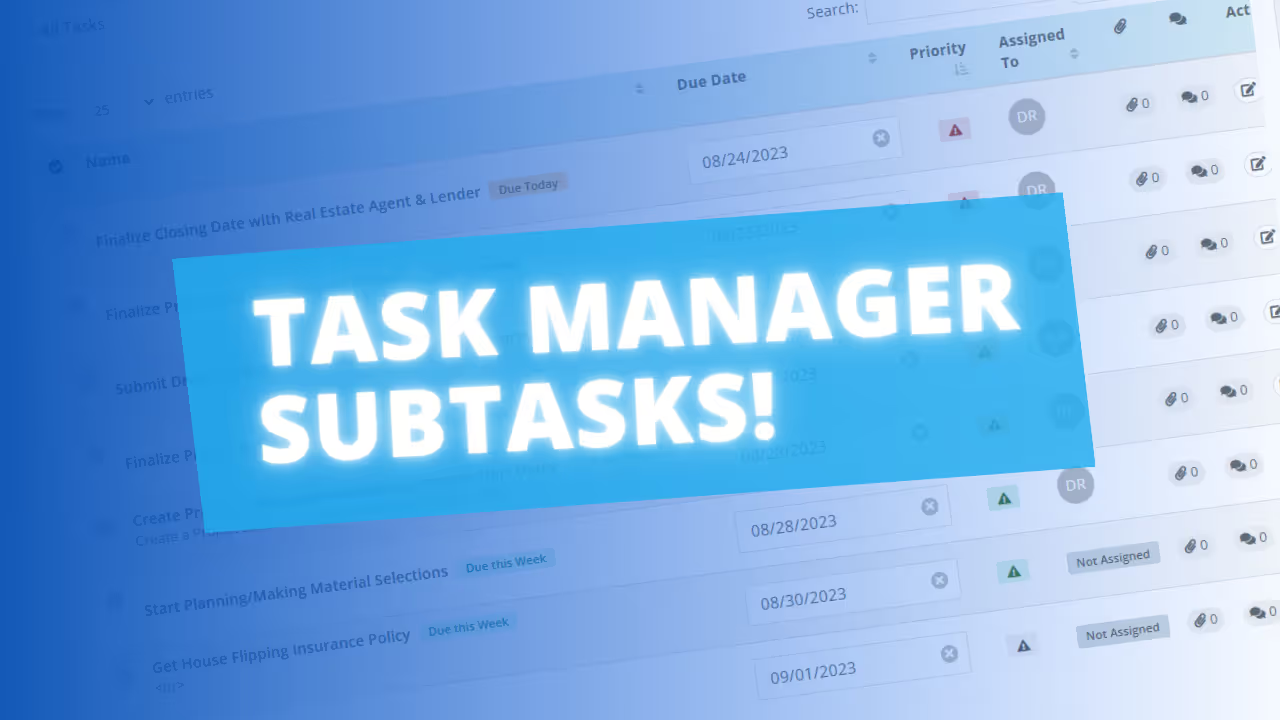
We’ve added a new Subtask feature to the Task Manager to help you organize granular project details without cluttering your main task list.

You can now create checklists within any individual task to manage smaller to-dos and "boots on the ground" details in one place.
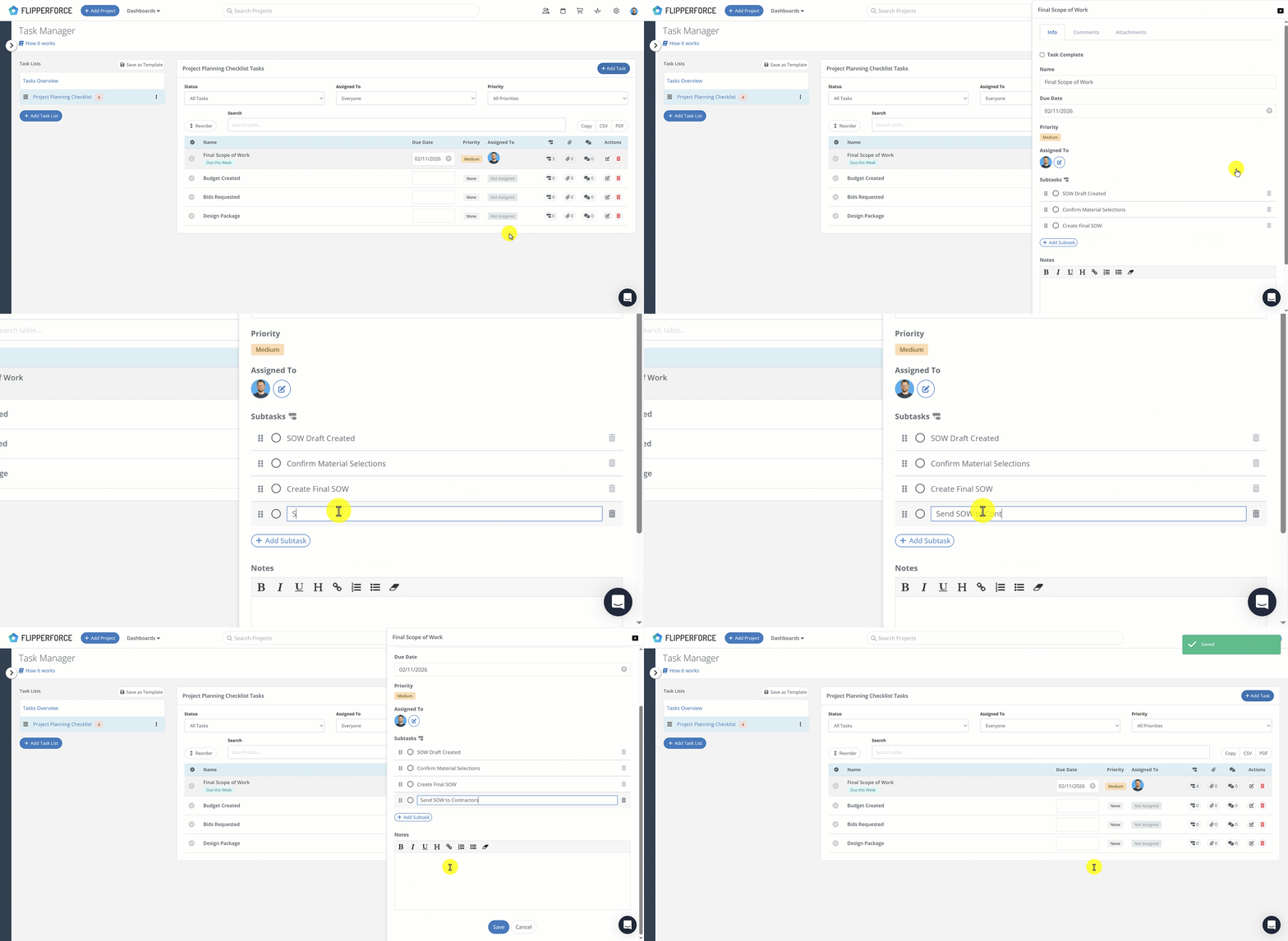
How it works:

  • Add Subtasks: Within any task, look for the new Subtask option at the bottom. Simply click the "Add Subtask" button to build your checklist.
  • Reorder: Use the drag-and-drop handles to reorder your subtasks as needed.
  • Templates: Subtasks are automatically saved when you create or update a Task Template, so your checklists are ready to go for every new project.

From Feedback to Launch in 36 Hours

This feature is a direct result of a recent conversation with one of our users. They mentioned that their Task Manager was getting a bit too cluttered with minor details, so we got to work immediately. Our team was able to move from that initial feedback to a live, working feature in less than 36 hours.

We love collaborating with our community to build tools that solve real-world problems, so keep the feedback coming!

Dave Robertson
February 2, 2026
5 min read
Our blog

Other Recent Blog Posts

New Features

New Material Catalog API Endpoint

Read, create, and update materials in your catalog through the Public API, so you can import past purchase history and refresh your pricing without manual data entry.
Dave Robertson
August 22, 2026
5 min read
New Features

Search, Filter and Complete Tasks Faster

Search your tasks by name, notes, project, or assignee, filter by status and priority, and mark tasks complete right from the table.
Dave Robertson
August 19, 2026
5 min read
New Features

Performance improvements across the platform

We made infrastructure improvements that speed up page loads and eliminate the random delays some users experienced when navigating the app, especially in the Accounting tools.
Dave Robertson
August 17, 2026
5 min read
New Features

Smarter and Faster AI Bulk Expense and Receipt Analysis Imports

We upgraded the AI engine behind our AI Receipt Analyzer and AI Bulk Expense Importer, cutting large bulk import times roughly in half and improving accuracy on itemized receipts, adjustments, totals, and expense categorization.
Dave Robertson
August 17, 2026
5 min read
New Features

More Detail in Your Integrated Calendar Events

Synced calendar events now include project and assignee details, plus links back into FlipperForce.
Dave Robertson
August 11, 2026
5 min read
New Features

New Project Calendar Integrations

Sync a single project's schedules, tasks, and events to your third-party calendar instead of your entire workspace.
Dave Robertson
August 10, 2026
5 min read

Ready to Take Action?

Sign up for a free trial and join over 3,000 house flippers and real estate investors that have taken their business to the next level!