Upload Your Receipts

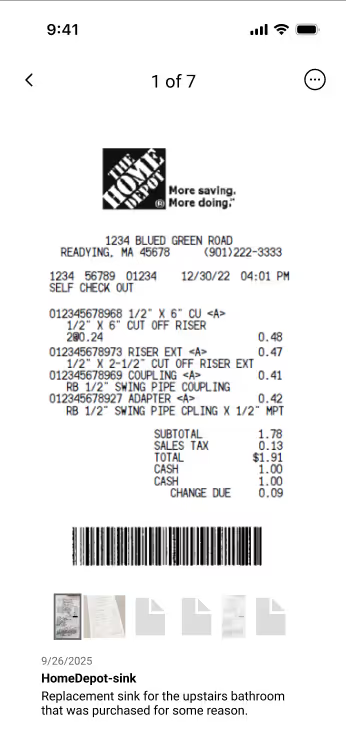
Snap photos on the mobile app or drag-and-drop from your desktop into your central Receipts Inbox.

One-Click AI Analysis

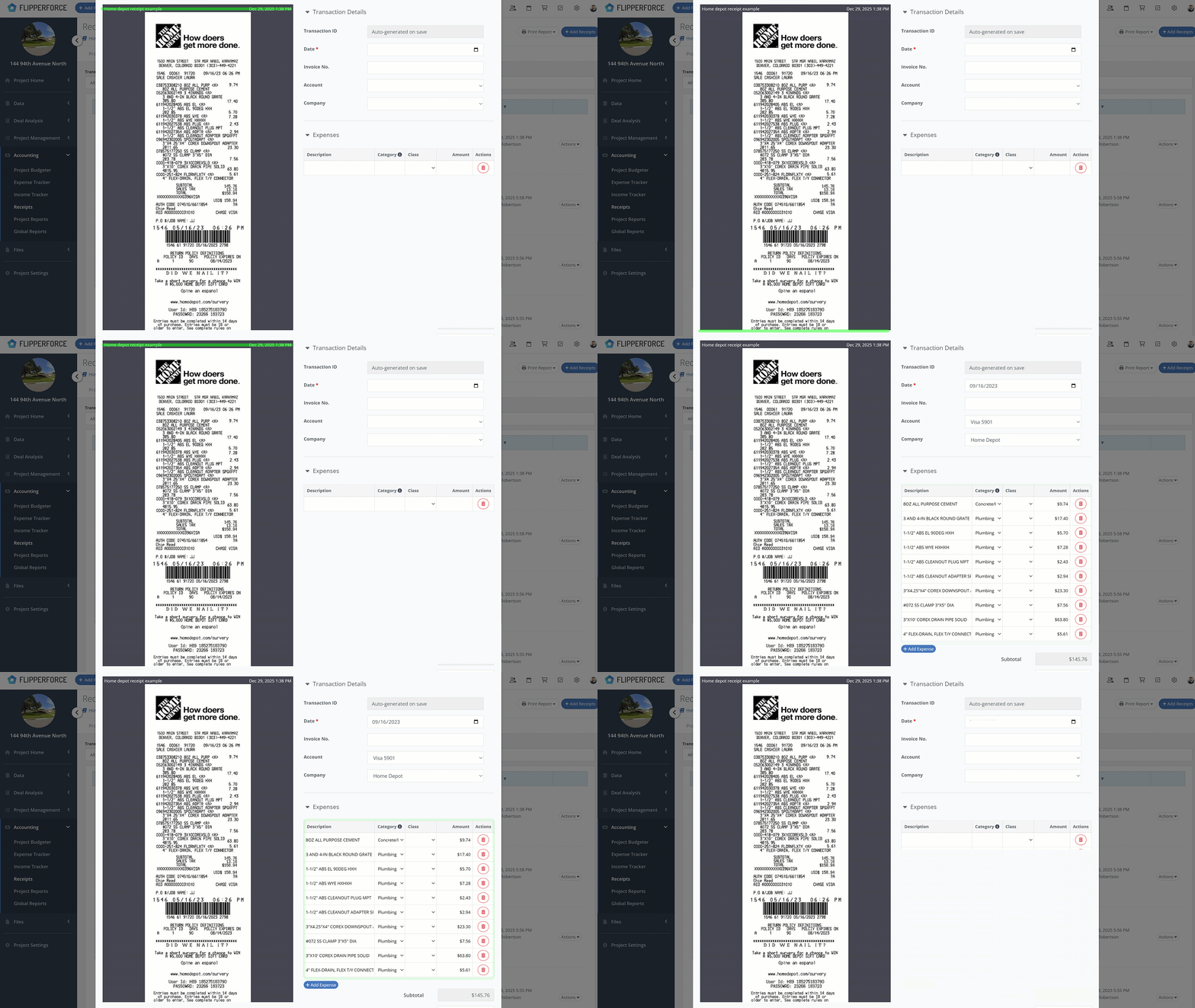
Select a receipt and click “Analyze with AI” to instantly extract totals, dates, and line items with 97% accuracy!

Verify and Create Transaction

Verify the data and convert it to a transaction to update your project budget and reports.
Featured Article:
Receipt upload flipperforce mobile appReceipt scanner flipperforce mobile app
FlipperForce Field Mobile App

Scan Receipts as soon as you leave the Store

With the FlipperForce Field app, you have a powerful scanner in your pocket. Capture receipts the moment you get them and ensure every expense is tracked, organized, and ready to be processed.
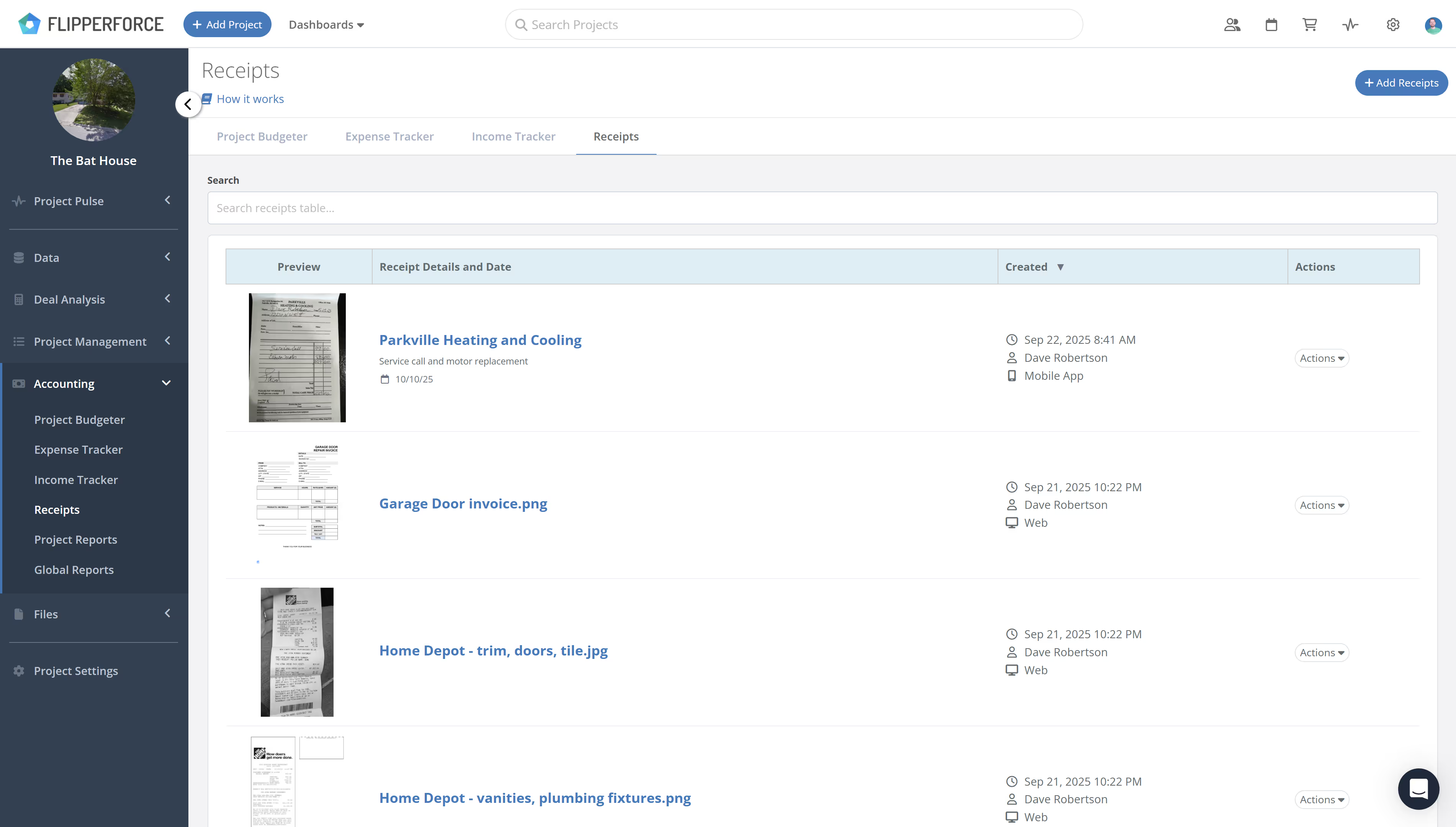
Receipt Inbox

A Central Hub for Your Receipts

Meet your digital shoebox: the dedicated Receipts section inside your project's Accounting area. This centralized table provides an organized and searchable overview of every receipt uploaded. Quickly check the status of each receipt to instantly see which ones have been linked to a transaction in the Expense Tracker and which still need your attention, ensuring nothing slips through the cracks.
Receipt Inbox
Receipt Inbox
AI Receipt Scanner

Automatically Scan & Itemize Receipts using AI

Stop wasting time on manual data entry.

The AI Receipt Analyzer will automatically itemize your expenses, input key transaction details, and create a complete Transaction record from a single photo.

Ready to Take Action?

Sign up for a free trial and join over 1,000 house flippers and real estate investors that have taken their business to the next level!