FlipperForce's new AI Receipt Analyzer automatically itemizes and categorizes your renovation expenses, turning hours of manual data entry into seconds of simple verification
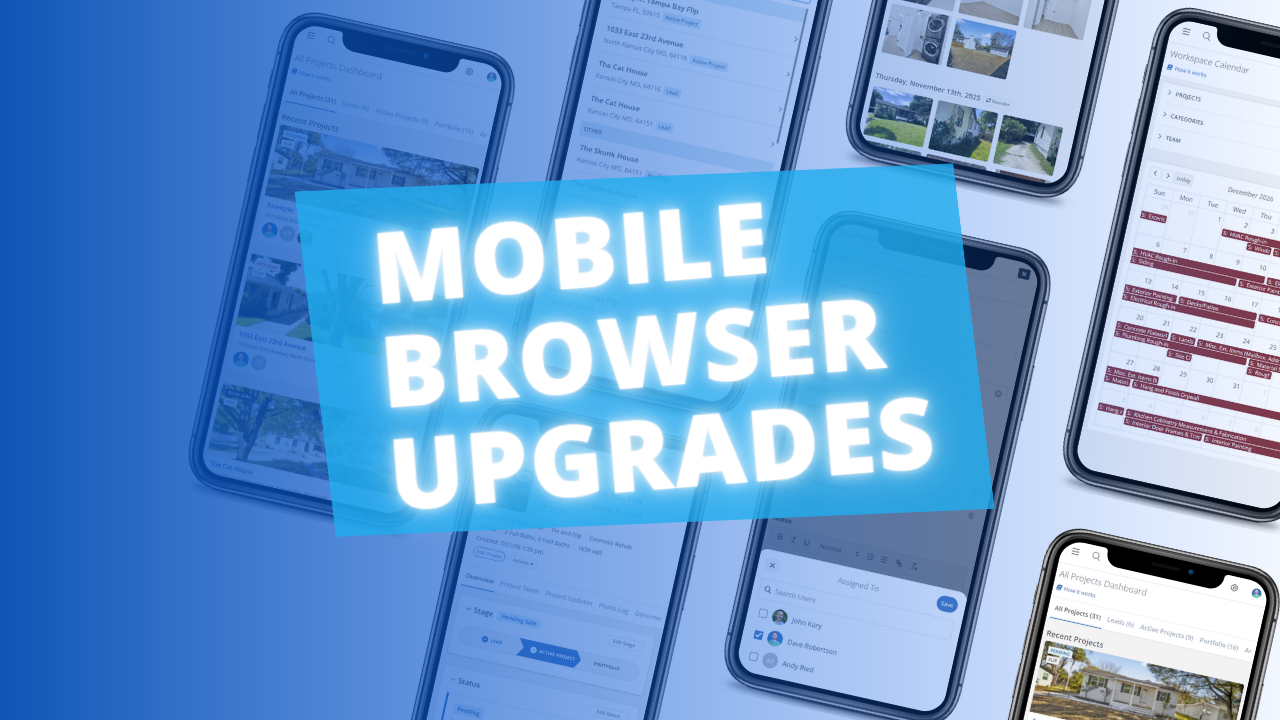
The FlipperForce web app is now much easier to use in your phone's browser. Date pickers, menus, the Scheduler, the Task Manager and the Photo Log have all been reworked to fit a small screen and work well with your phone's keyboard.
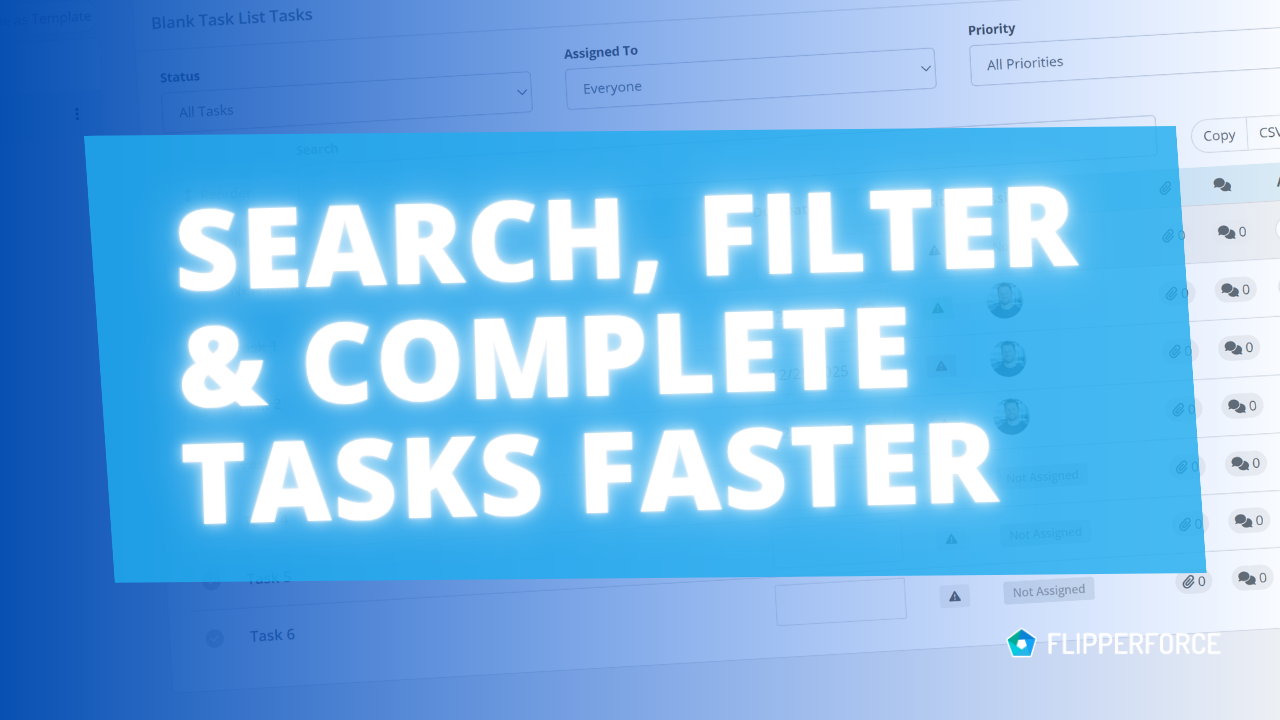
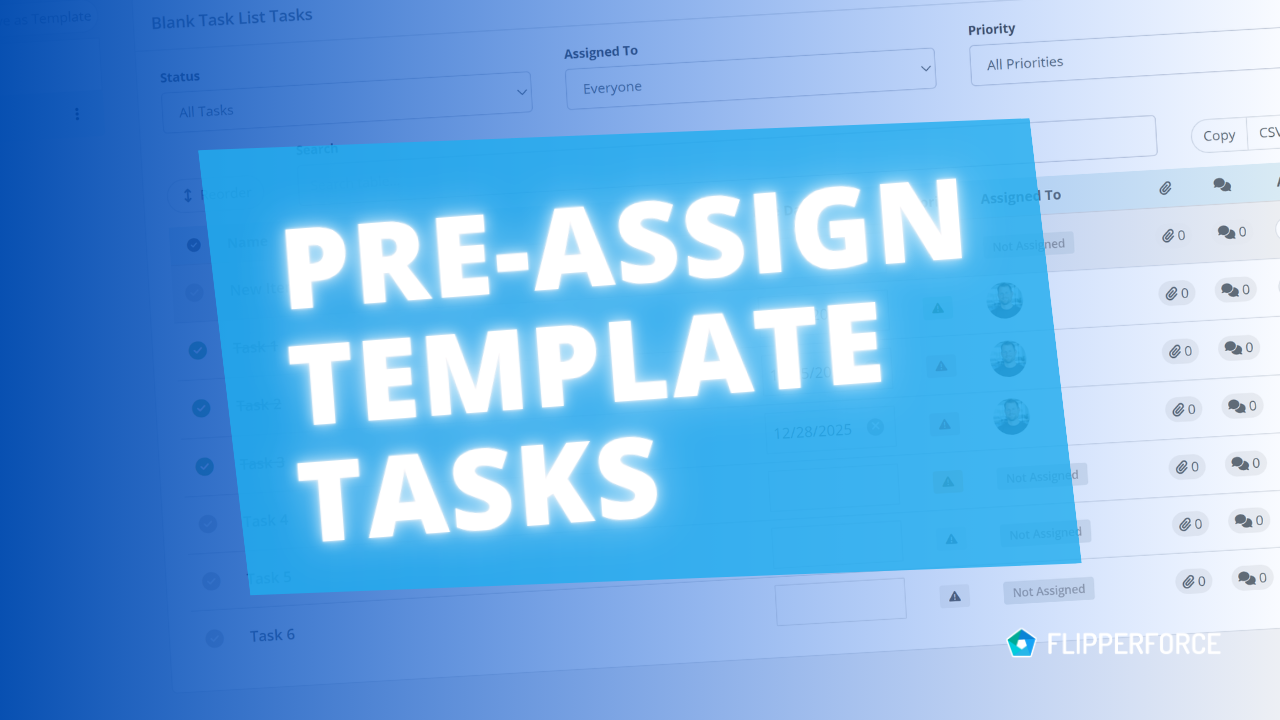
You can now pre-assign team members to the tasks in your Task Templates. Every time you load that template into a project, each task is already assigned to the right person.
The FlipperForce Field mobile app now uploads photos and receipts faster and more reliably on iOS and Android. A new My Recent Uploads inbox lets you track progress, retry failed items, and run multiple upload batches at once.
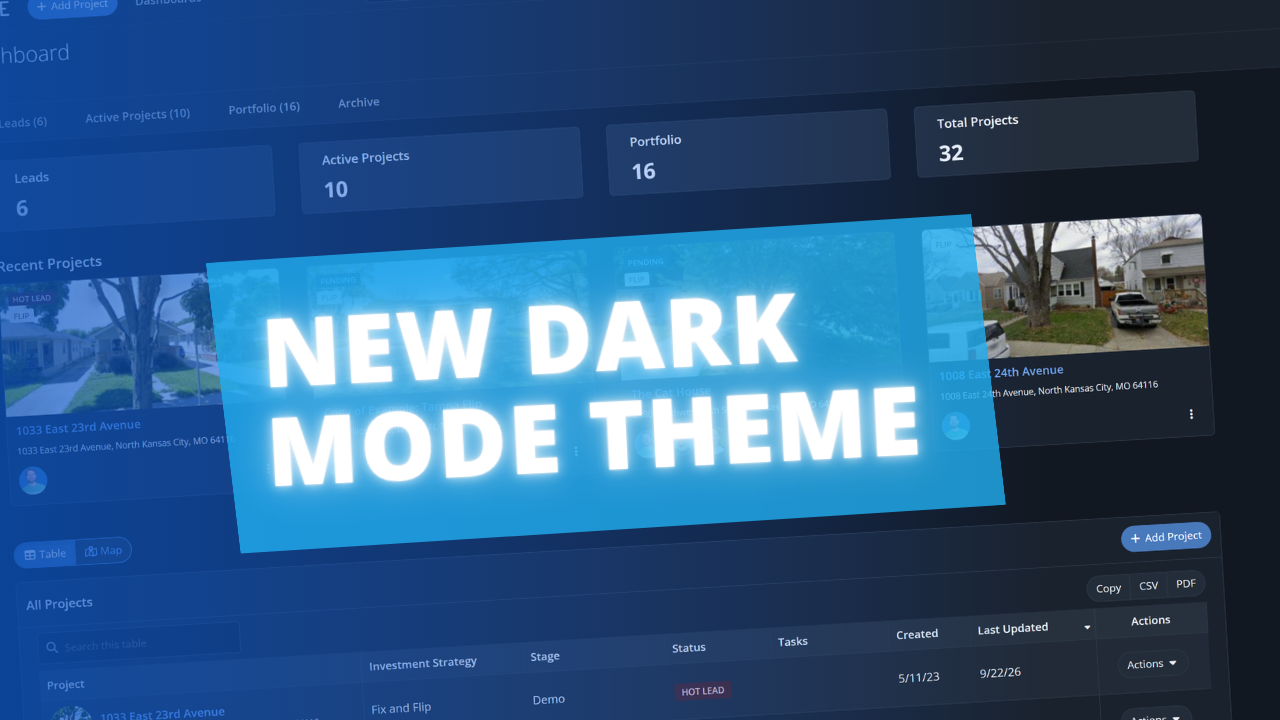
FlipperForce now has a full dark theme across the web app and the FlipperForce Field mobile app. Choose Light, Dark, or System to match how and where you work.
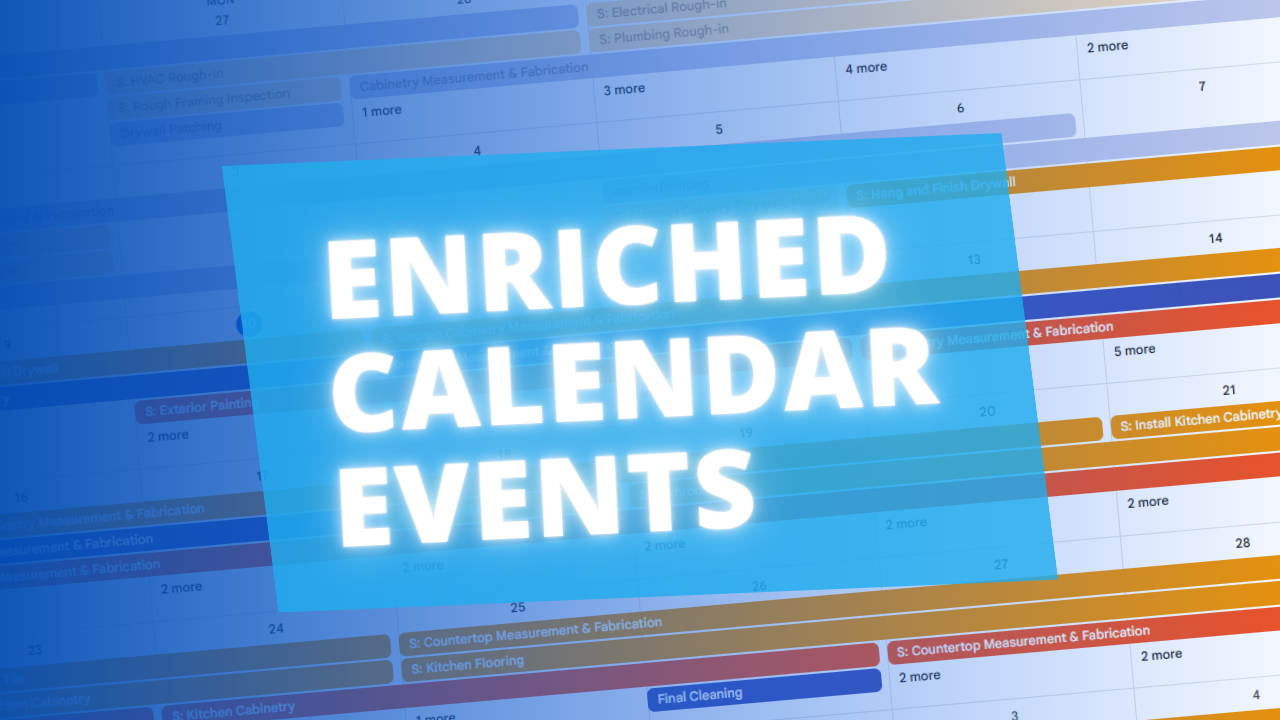
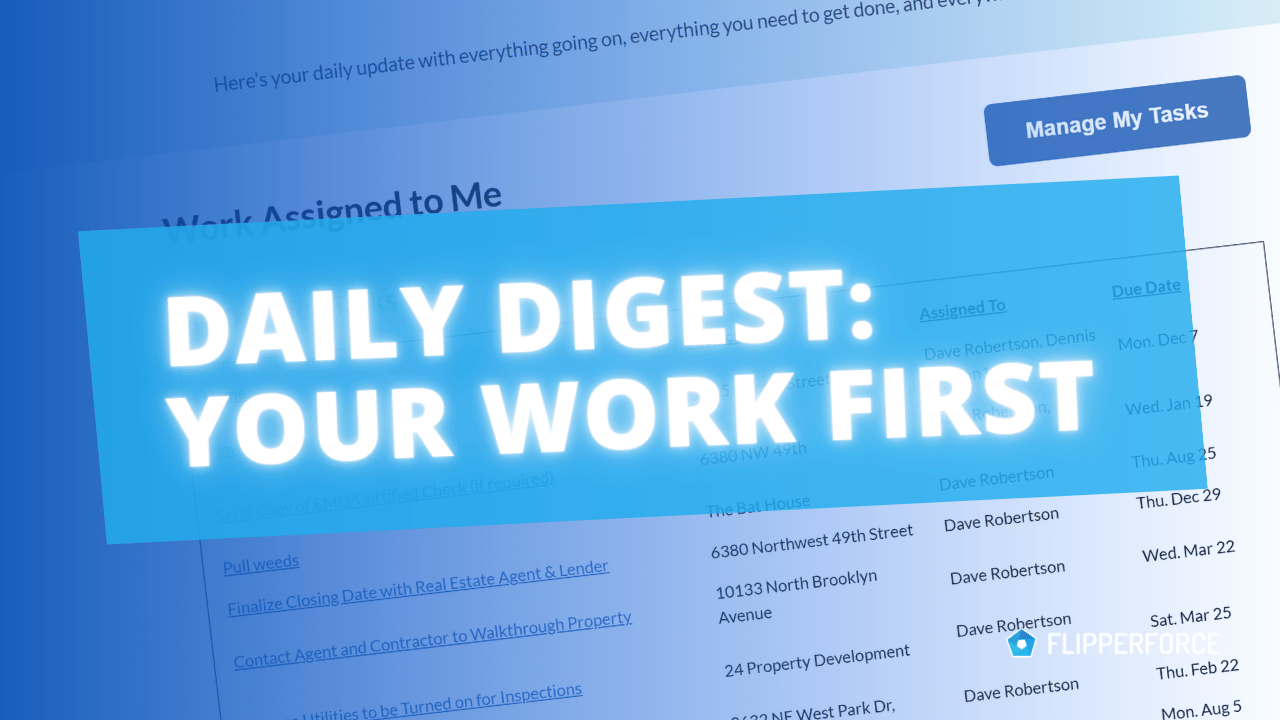
The Daily and Weekly Digest emails summarize tasks, schedules, and events across your projects. Both now lead with a Work Assigned to Me section, so you see your own overdue, due today, and upcoming work before everything else in the workspace.
The AI Receipt Analyzer now accepts .doc and .docx files. Upload a Word invoice from a contractor or vendor straight into your receipts and analyze it without converting it to a PDF first.
Read, create, and update materials in your catalog through the Public API, so you can import past purchase history and refresh your pricing without manual data entry.
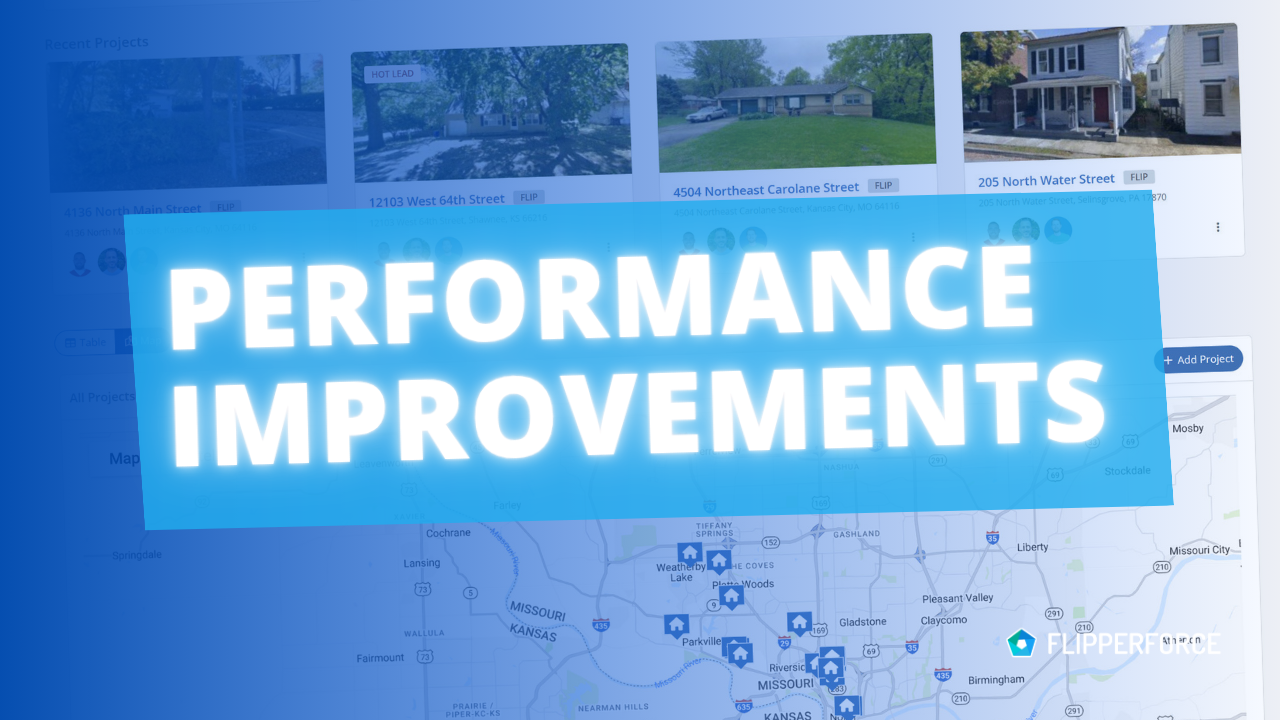
We made infrastructure improvements that speed up page loads and eliminate the random delays some users experienced when navigating the app, especially in the Accounting tools.



.png)