We've just rolled out a major upgrade to our Comps Tool, making it easier than ever to find the perfect comparable sales and nail your ARV (After Repair Value).
Here's what's new:
More Comps Results
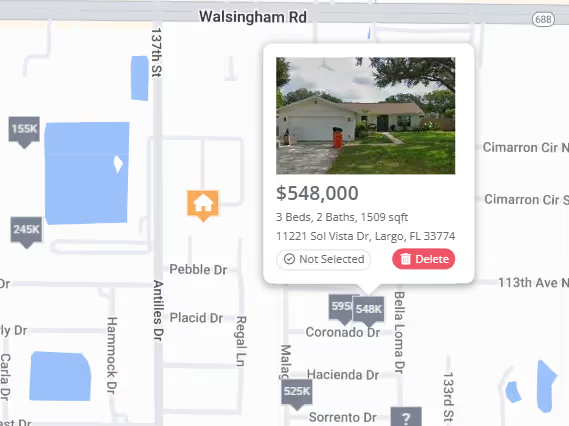
Hyperlocal Search: To give you a complete view of your market, our hyperlocal search now captures every sale within a .5 mile radius, regardless of whether it perfectly matches your property's specs. This means you'll be aware of all sales activity in your immediate area, even those that might not be considered direct "comps."
Finding Relevant Comps with Similar Specs: After our hyperlocal search gathers all nearby sales, we refine your results to pinpoint the comps that truly match your property. We analyze square footage, beds, baths, and other key features to ensure you're comparing apples to apples.
More Comps: To ensure you have a comprehensive selection, we've expanded the total number of results from 25 to 40, giving you both hyperlocal insights and highly relevant matches.
Expanded Search Area: For users in less dense areas, we've expanded our search radius up to 10 miles, ensuring you get ample comps even in rural locations.
Filter Your Comps with Ease
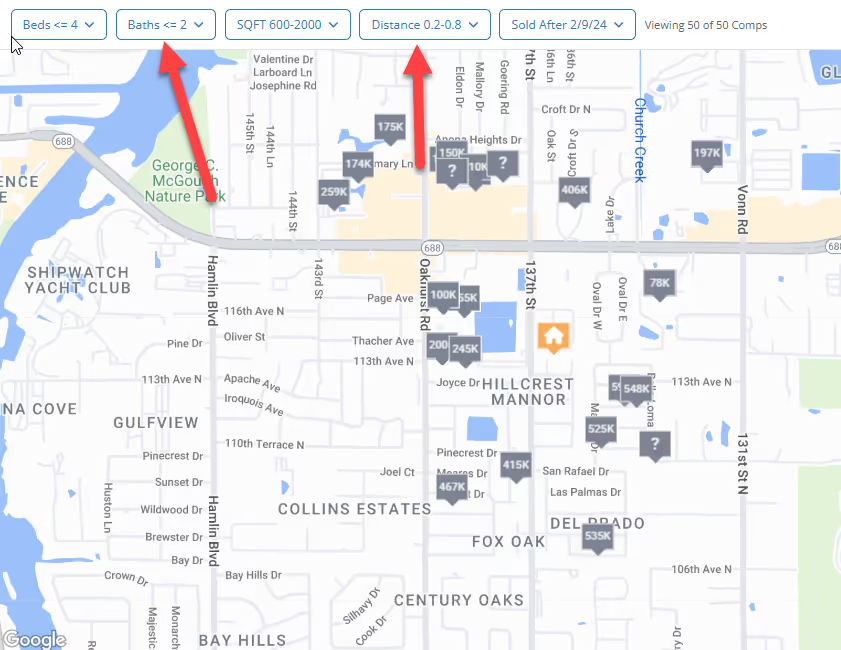
With more comps at your fingertips, we know it's more important than ever to find the right ones quickly. That's why we've added a powerful new filter bar at the top of the Comps Tool. Now you can easily refine your results by:
Beds and Baths: Isolate comps with the exact number of bedrooms and bathrooms you need.
Square Footage: Define a specific range to find properties that are truly comparable in size.
Distance: Narrow your search radius to focus on the most immediate area.
Sold Date Range: See only the most recent sales to get an up-to-the-minute view of the market.
These filters give you ultimate control over your comp search, ensuring you're seeing only the most relevant data for your analysis.
FlipperForce's Public API now includes Tasks. Create, update, and delete tasks and subtasks from Claude, Grok, or any outside system without logging into the web app.
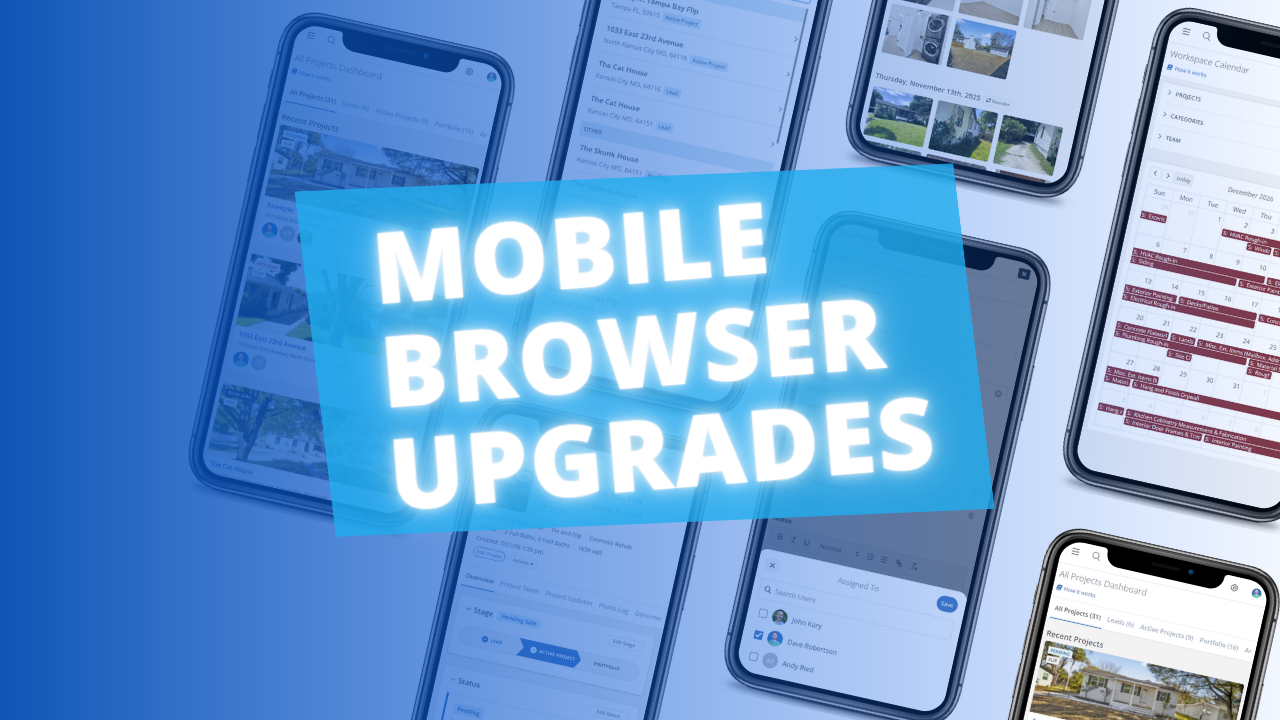
The FlipperForce web app is now much easier to use in your phone's browser. Date pickers, menus, the Scheduler, the Task Manager and the Photo Log have all been reworked to fit a small screen and work well with your phone's keyboard.
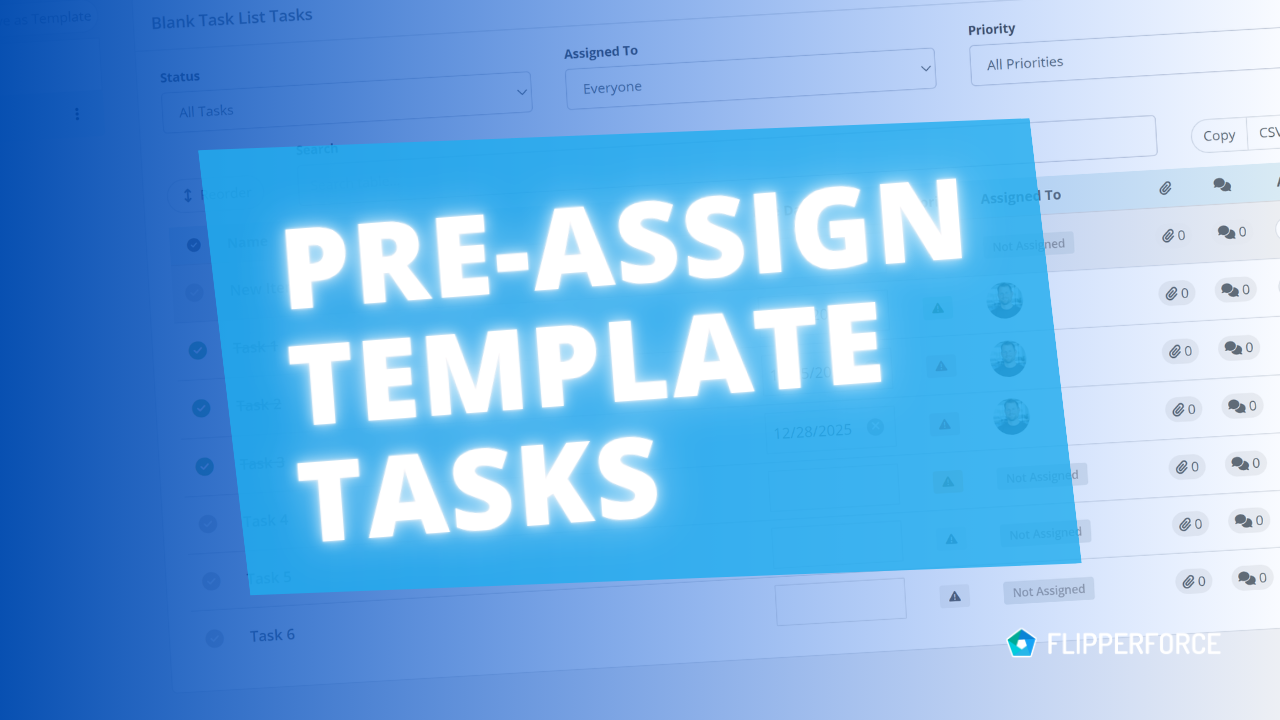
You can now pre-assign team members to the tasks in your Task Templates. Every time you load that template into a project, each task is already assigned to the right person.
The FlipperForce Field mobile app now uploads photos and receipts faster and more reliably on iOS and Android. A new My Recent Uploads inbox lets you track progress, retry failed items, and run multiple upload batches at once.


.avif)