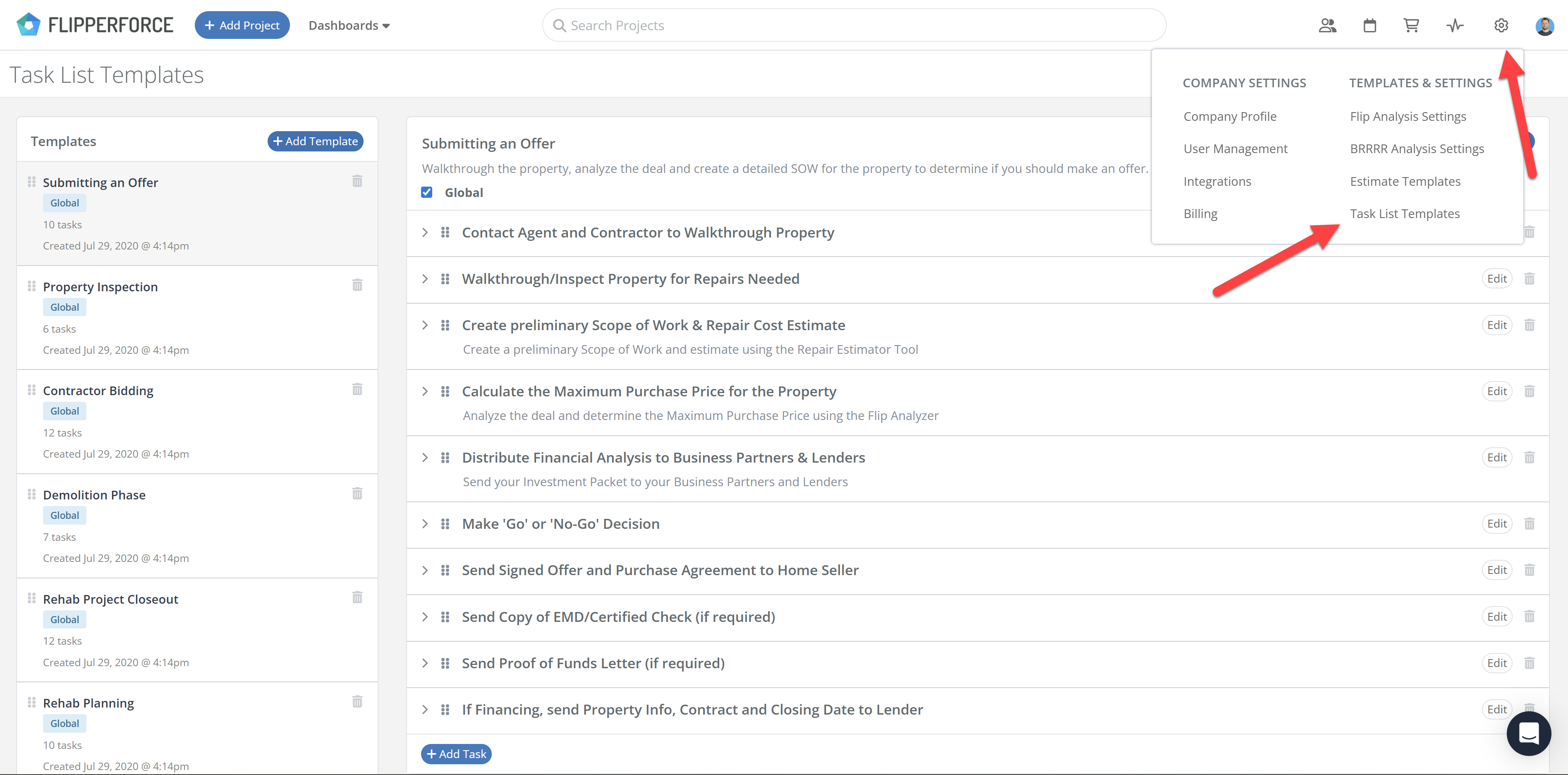
We have introduced a centralized area to manage and edit your Task Templates. Previously, templates could only be edited by loading them into a project and resaving. Now, users can modify existing templates directly within the Workspace Settings.
Whats New:
Edit Existing Templates: Modify task names, descriptions, and structures without affecting active projects.
Subtasks Support: Templates now support our new Subtasks feature, allowing for multi-level checklist organization.
Improved Workflow: Eliminates the need for "save-as" workarounds, keeping your template library organized and up-to-date.
How to Get Started:
Navigate to the Workspace Settings (the gear icon in the upper right corner).
Click on Task Templates.
Select the template you want to rework, add your tasks or subtasks, and hit save.
Whether you're a Solo user or scaling a Team, this update ensures your Task workflows are as streamlined as your projects.
Our new AI-powered Company Importer makes it easy to import your company data, so you can quickly assign your vendors and contractors to project schedules, expenses, and bids.
We've introduced new Date Range and Accounting filters across the Expense Tracker and reports to give you more flexibility and control over your project spending data.
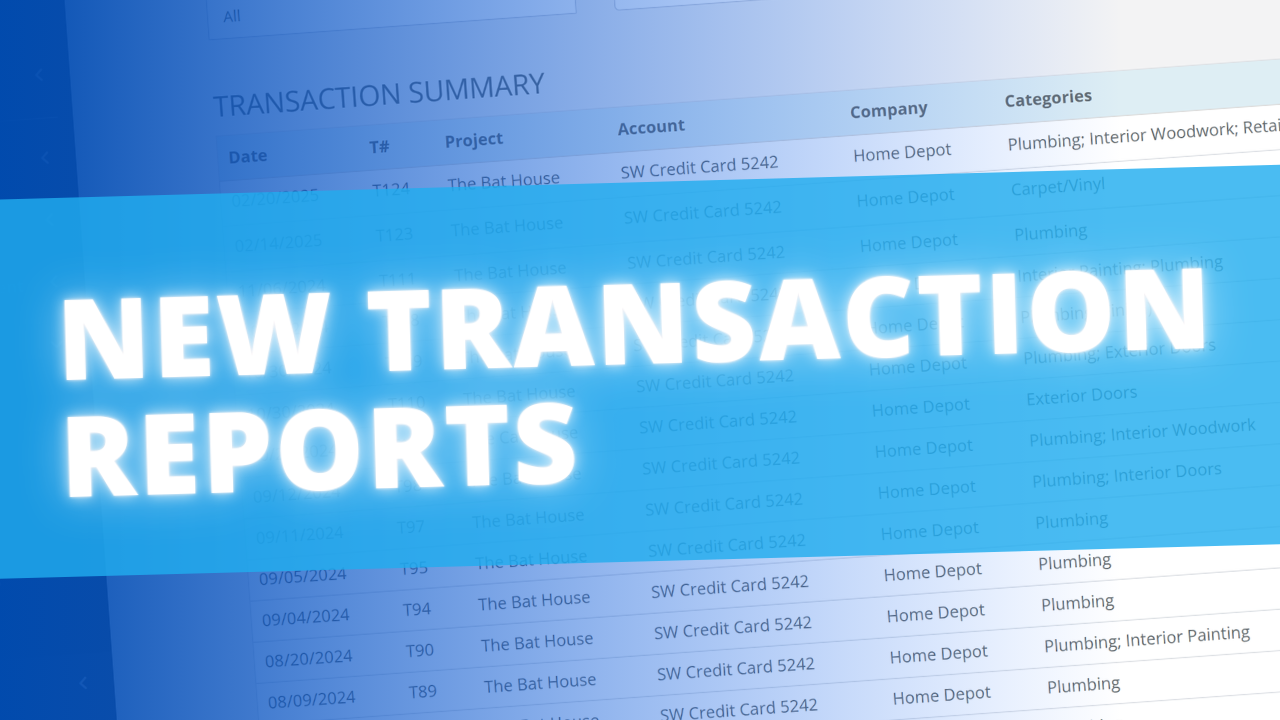
Learn how our new Global and Project Transaction Reports simplify reconciliation by allowing you to track and filter every expense across your entire portfolio in one master list.
FlipperForce was recently named a top BRRRR analysis tool for our ability to simplify both complex deal analysis and the day-to-day management of rehab projects.


.png)

.png)
.png)
.png)
.png)