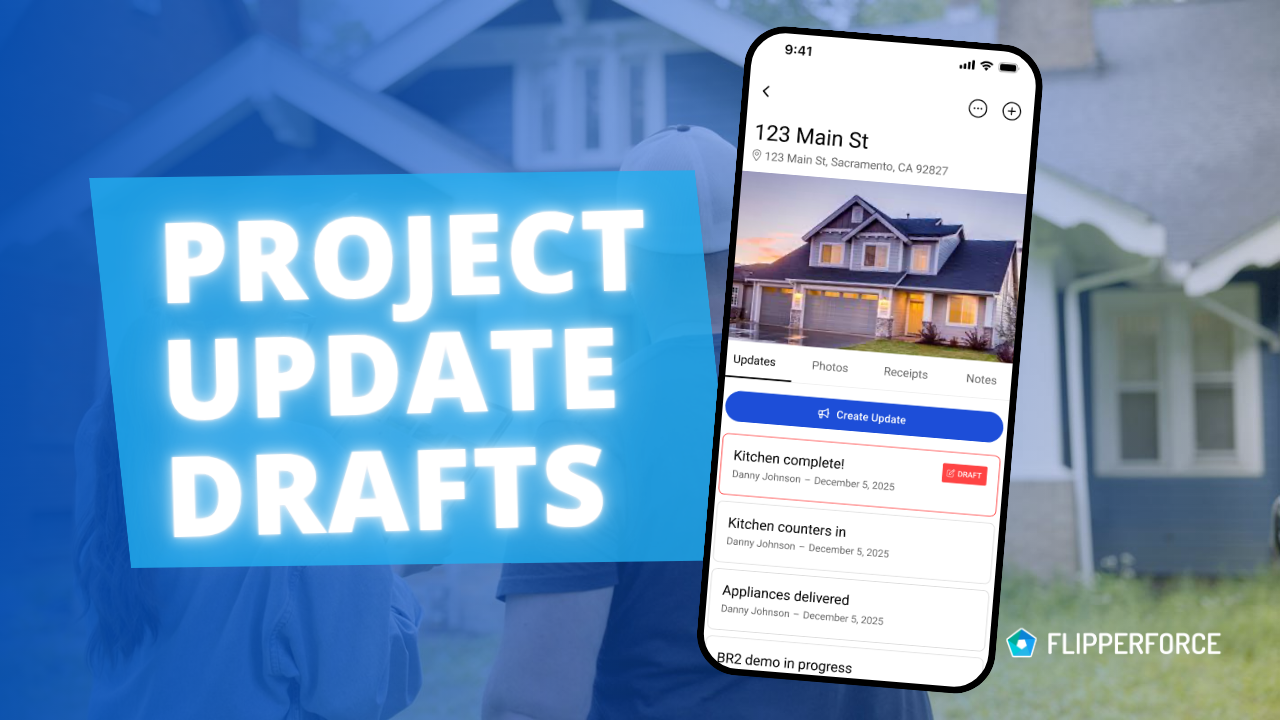
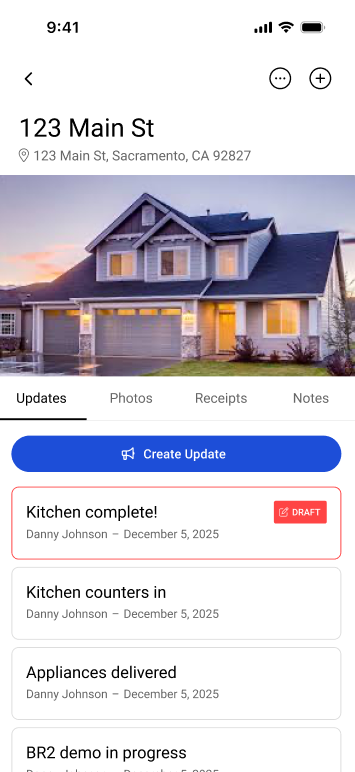
Your Project Updates just got interruption-proof! The FlipperForce mobile app now automatically saves your Project Updates as a Draft.

If you get a phone call or need to step away from the app while on-site, you can trust that your detailed Project Update is instantly saved as a Draft and waiting for you to complete.
image

What Does the Drafts Feature Do?

Now, any time you start typing a new Project Update in the FlipperForce mobile app, your text will be automatically saved as a draft.

  • Interruption-Proof: If you get a phone call, switch to another app, or accidentally close FlipperForce, your update is safe.
  • Seamless Return: When you come back to the app, your text will be right there, exactly where you left off. You can pick up and post the update when you're ready.

This feature ensures your Project Update is never lost, allowing you to get right back to providing your team with important updates and daily logs without having to re-type anything.

This new feature is live now in the latest version of the FlipperForce mobile app! Update your app today to take advantage of this new seamless workflow.
Dave Robertson
October 8, 2025
5 min read
Our blog

Other Recent Blog Posts

New Features

New Transaction Reports for Simplified Reconciliation

Learn how our new Global and Project Transaction Reports simplify reconciliation by allowing you to track and filter every expense across your entire portfolio in one master list.
Dave Robertson
February 19, 2026
5 min read
New Features

New Task Template Editor!

Easily edit existing task templates and add subtasks directly from your workspace settings.
Dave Robertson
February 14, 2026
5 min read
General

FlipperForce Named One of the Best BRRRR Analysis Tools for 2026

FlipperForce was recently named a top BRRRR analysis tool for our ability to simplify both complex deal analysis and the day-to-day management of rehab projects.
Dave Robertson
February 13, 2026
5 min read
New Features

New Task Manager Subtasks

Learn how our new Subtask feature helps you declutter your Task manager.
Dave Robertson
February 5, 2026
5 min read
New Features

New Transaction Grouping for Expenses

Easily reconcile your project spending by grouping individual expenses into searchable transaction totals that match your bank statements.
Dave Robertson
February 2, 2026
5 min read
New Features

New Activity Log Filtering

We’ve made a quick improvement to the Workspace and Project Activity Logs to help you find information faster.
Dave Robertson
January 31, 2026
5 min read

Ready to Take Action?

Sign up for a free trial and join over 1,000 house flippers and real estate investors that have taken their business to the next level!